
Q&A Forum
Ask about setup, cutting parameters, welding technique, marking results, software, shipping, and workshop planning.
Ask real workshop questions, share finished laser projects, earn Laser Points, and learn from owners, engineers, and MakCreators building with CutAir, WeldAir, and MarkAir.
Start with practical questions and real project uploads. Grow the best members into verified MakCreators who help the whole laser community move faster.
Ask about setup, cutting parameters, welding technique, marking results, software, shipping, and workshop planning.
Upload finished projects with photos, materials, machine model, settings, and the story behind the build.
Earn points for accepted answers, complete how-to posts, material tests, and monthly challenge entries.
Verified makers, educators, shop owners, and technical contributors get badges, features, and priority opportunities.
First posts are reviewed before publishing. Approved questions, replies, and projects become public community content and receive Laser Points based on usefulness.
Members send a question, project, answer, or MakCreator application with machine model, material, photos or video links, and enough context for review.
Small Laser staff checks safety, spam, duplicate content, machine category, and whether the post is clear enough to help other owners.
Approved questions appear in the Q&A feed with Open, In Review, or Solved status. Approved projects appear in the project gallery or monthly challenge.
Points move from pending to approved after moderation. Best answers, complete project posts, and test reports earn more than short comments.
Machine-specific discussions make support easier to search, easier to reuse, and more valuable than one-time chat messages. Replies are tied to a question ID, and the best solution is selected by the question owner or a Small Laser moderator.
Best solution includes a starter parameter range, nozzle check, assist gas note, and a reminder to confirm material quality before production.
A Small Laser expert is reviewing shielding gas, travel speed, and cleaning steps before marking the best answer.
Members can share mark depth, speed, frequency, and fixture examples. Accepted answers earn Laser Points.
Every project card should be useful: machine, material, result, process notes, and what the maker would improve next time.
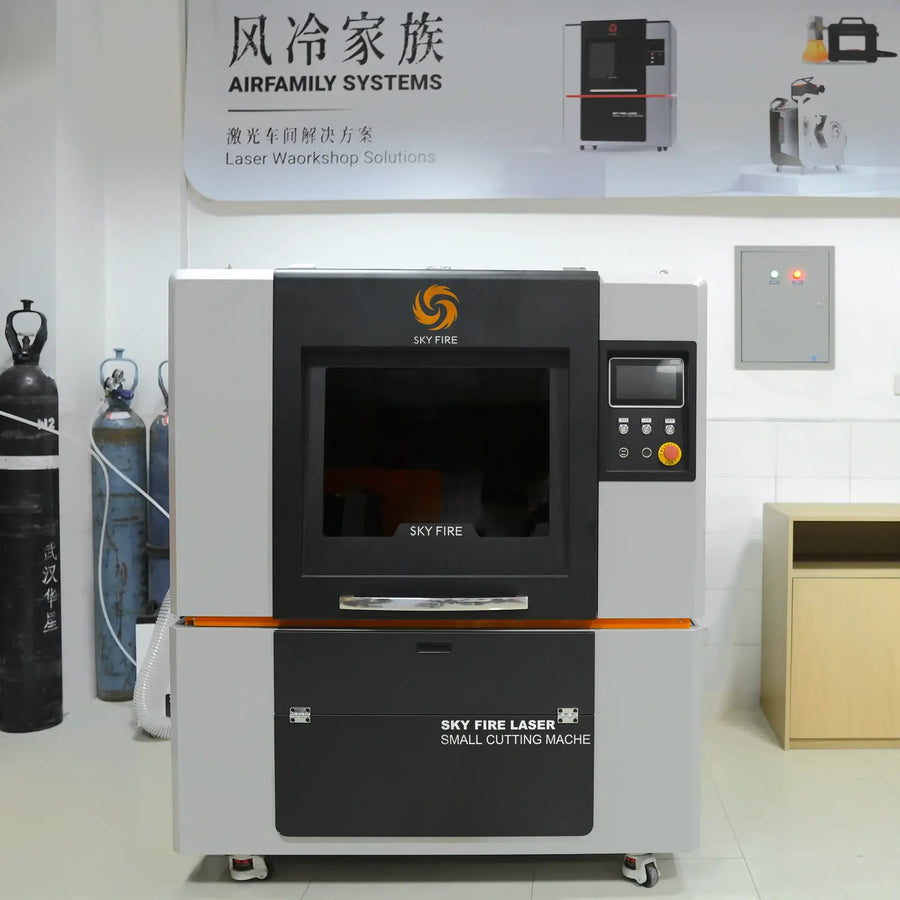
Metal base, non-metal accent layer, and a repeatable alignment process for small workshop production.
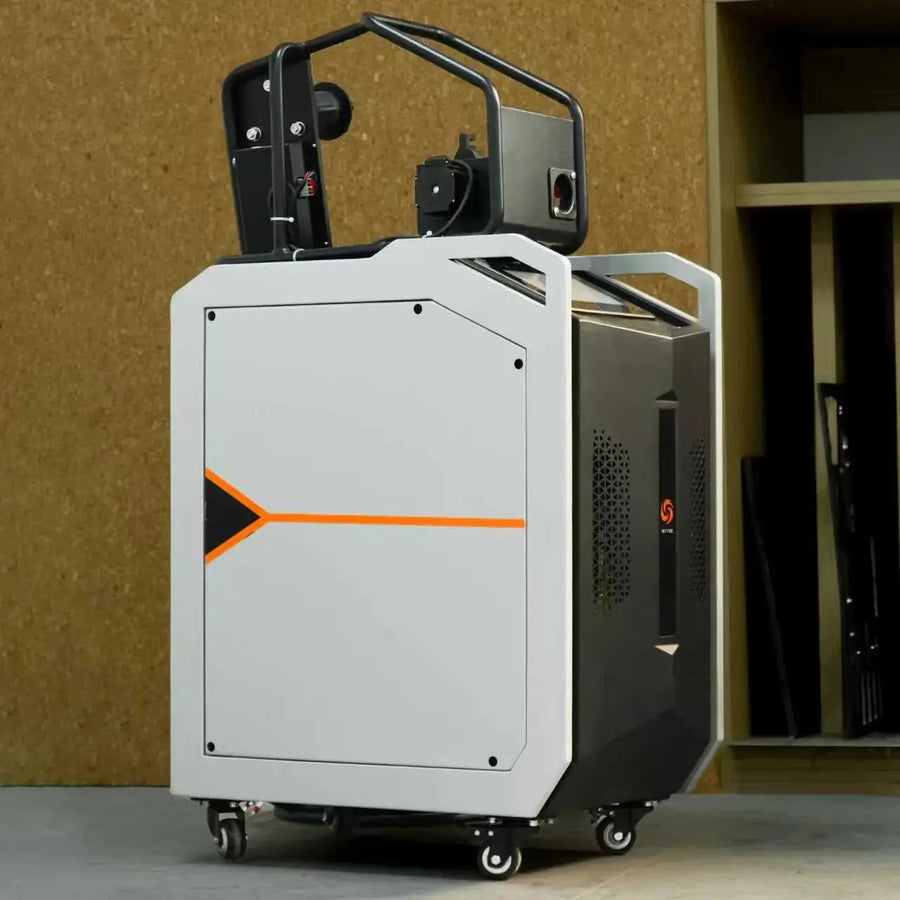
Thin sheet welding notes with fixture setup, bead control, and cleaning before final assembly.
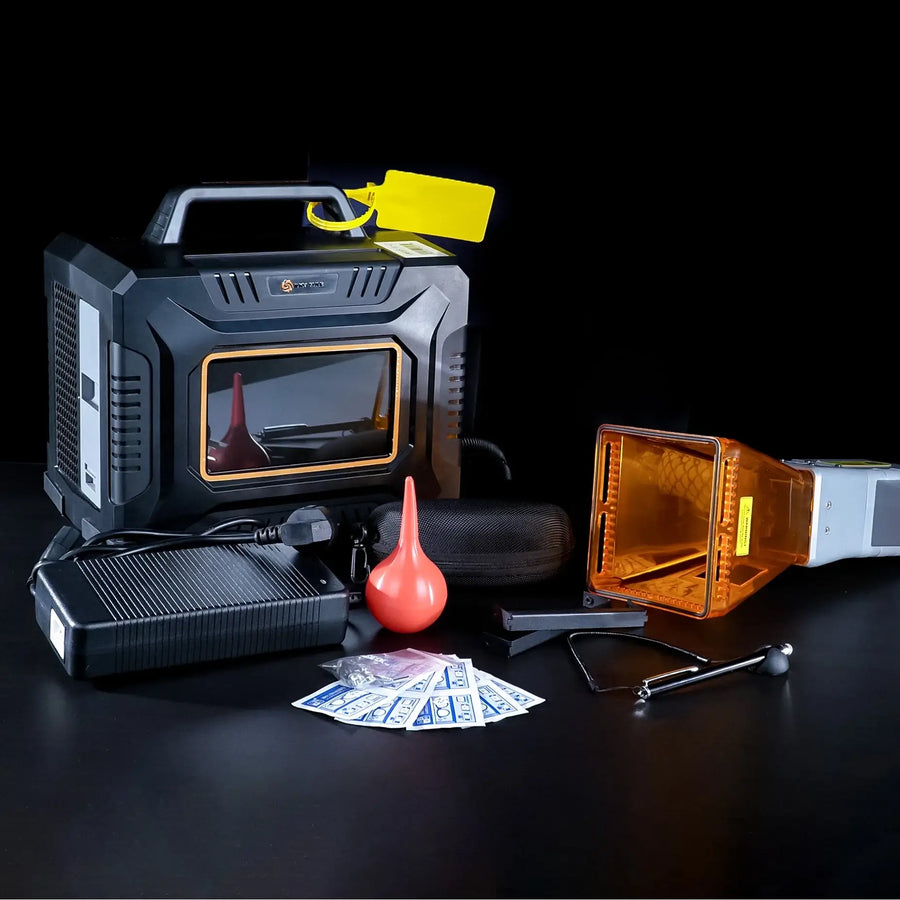
Batch marking workflow with fixture planning, logo contrast tests, and customer-ready finish notes.
Points reward useful behavior, not noise. Duplicate posts, unsafe advice, self-promotion without technical value, or copied content do not receive points.
Question includes machine model, material, goal, and what has already been tried.
Helpful answer selected by the question owner or Small Laser moderator. Suggested daily cap: 450 points.
Photos or video, machine, material, settings, and a short project story.
Detailed workflow, settings, limitations, and final result suitable for other owners to follow.
| Points | Action | Approval rule |
|---|---|---|
| 20 | Approved clear question | Machine, material, goal, and attempted steps are included. |
| 50 | Useful reply | Answer adds settings, diagnosis, safety notes, or a real test result. |
| 150 | Accepted best answer | Chosen as the best solution. Daily cap: 450 points from best answers. |
| 200 | Complete project post | Includes finished result, machine, material, process notes, and image or video links. |
| 300 | How-to or material test | Reusable workflow with limits, settings, photos, and what changed after testing. |
| 500+ | Monthly challenge winner | Selected by Small Laser based on usefulness, quality, originality, and safety. |
The best community members should become visible, trusted contributors with clear responsibilities and benefits.
Owns or operates a Small Laser machine and can share real settings, photos, and support context.
Publishes complete projects, helps others, and participates in monthly X-Space challenges.
Staff or approved technical contributor who can mark official answers and correct unsafe advice.
Reviews first posts, manages tags, handles spam, and keeps the discussion practical and respectful.
Use one of the forms below. For photos or videos, paste a public Google Drive, Dropbox, YouTube, Instagram, or project page link.
Best for setup, material settings, troubleshooting, accessories, shipping, software, and workflow planning.
Approved questions can appear in the Q&A feed with a visible status and question ID.
Best for finished work, test cuts, welding samples, marking results, fixtures, and workshop builds.
Complete approved projects receive points and may be featured in the gallery or monthly challenge.
MakCreator means Maker plus Creator: people who build real work and explain it clearly for other owners.
Approved MakCreators can receive badges, featured placement, early test opportunities, and priority challenge review.
For launch, submissions are reviewed before publishing. The next backend phase can add automatic public posting, member login, threaded replies, file uploads, and a live points ledger.
Small Laser Community turns support questions, X-Space projects, and maker creativity into searchable proof that the AirFamily works in real workshops.